#1269 micro:bit COMPATIBLE ROBOTS MakeCode Updated Operating Instructions
Dear Valued Users,
As the micro:bit MakeCode platform continues to receive updates, the current user interface differs slightly from the version that was available when the #1269 instruction manual was created. As a result, you may notice that certain menus, interface layouts, or operating steps do not exactly match the screenshots and instructions shown in the manual.
Please note that all sample programs provided with the #1269 kit remain fully compatible with the latest version of MakeCode. If you encounter interface differences while following the manual, please use the steps below to import and open the sample program:
1. Download the Sample Program
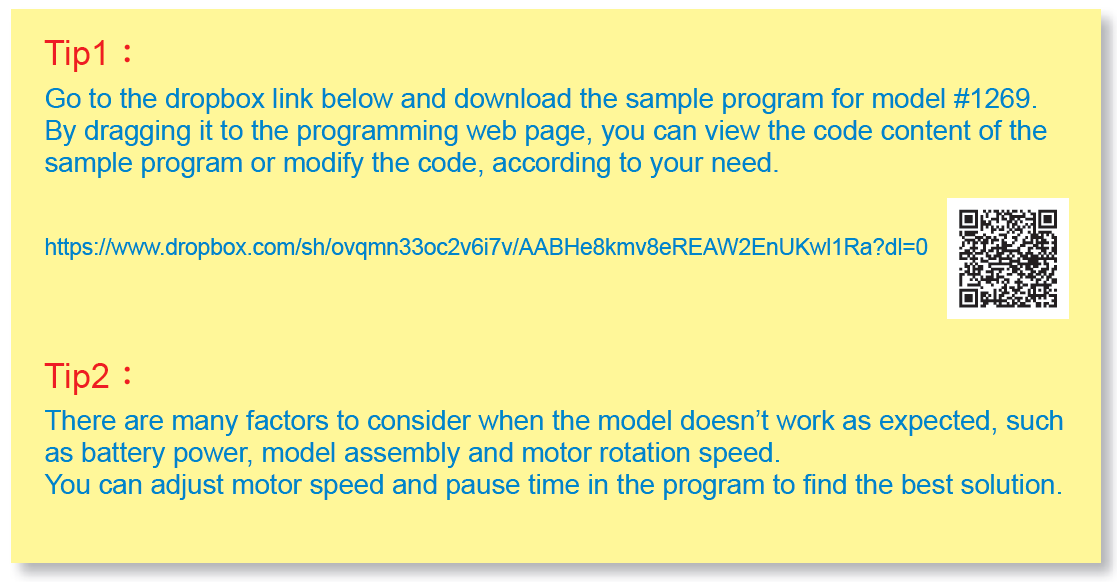
Go to the sample program link on page 14 of the instruction manual, then download the corresponding .hex sample program for the #1269 kit. https://www.dropbox.com/sh/ovqmn33oc2v6i7v/AABHe8kmv8eREAW2EnUKwl1Ra?dl=0
2. Open MakeCode
Go to the micro:bit MakeCode website.
https://makecode.microbit.org/
3. Import the File
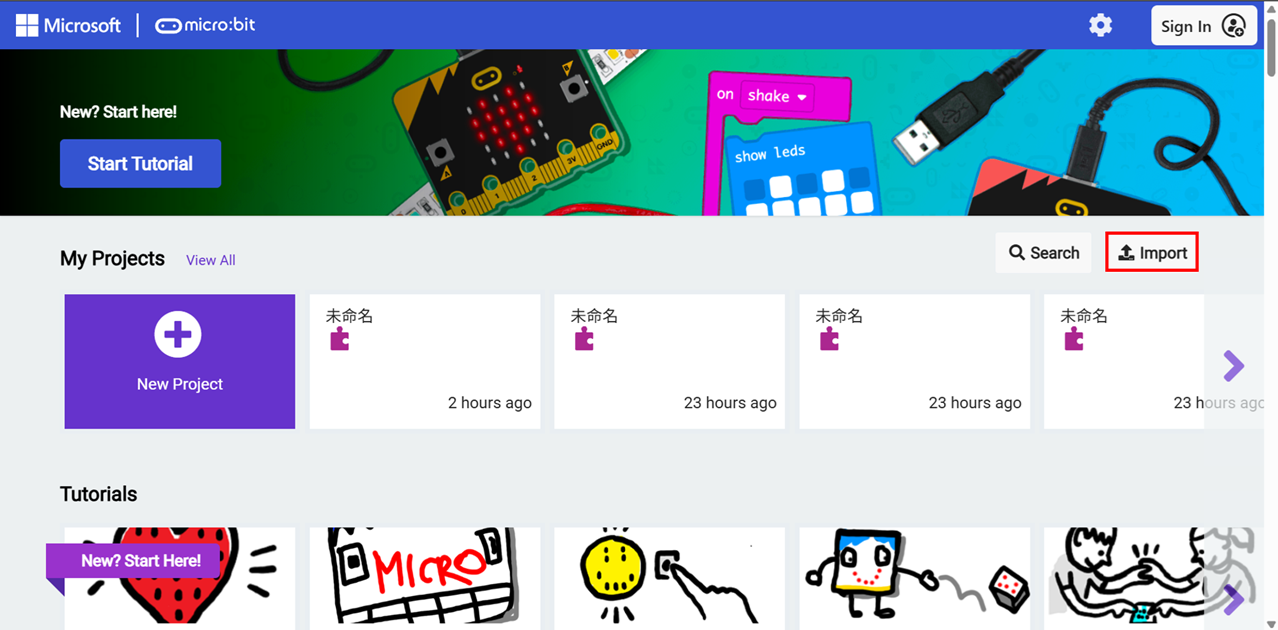
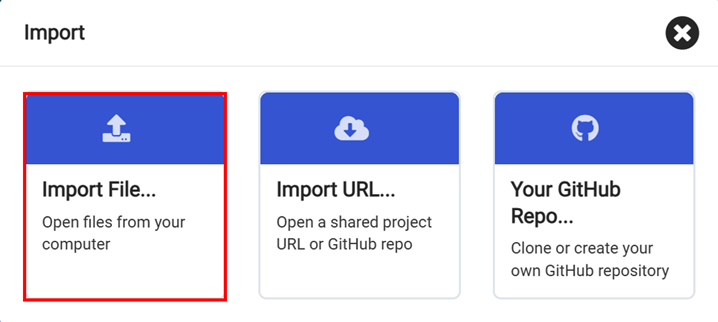
In MakeCode, select Import, then choose Import File.
4. Select the Sample Program
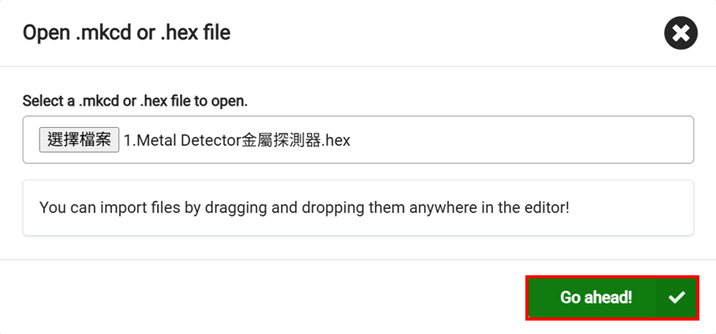
Select the downloaded .hex file (for example, Model 1.hex).
5. Open the Project
Click Go Ahead to complete the import. The program will then open and be ready to use in the current MakeCode interface.
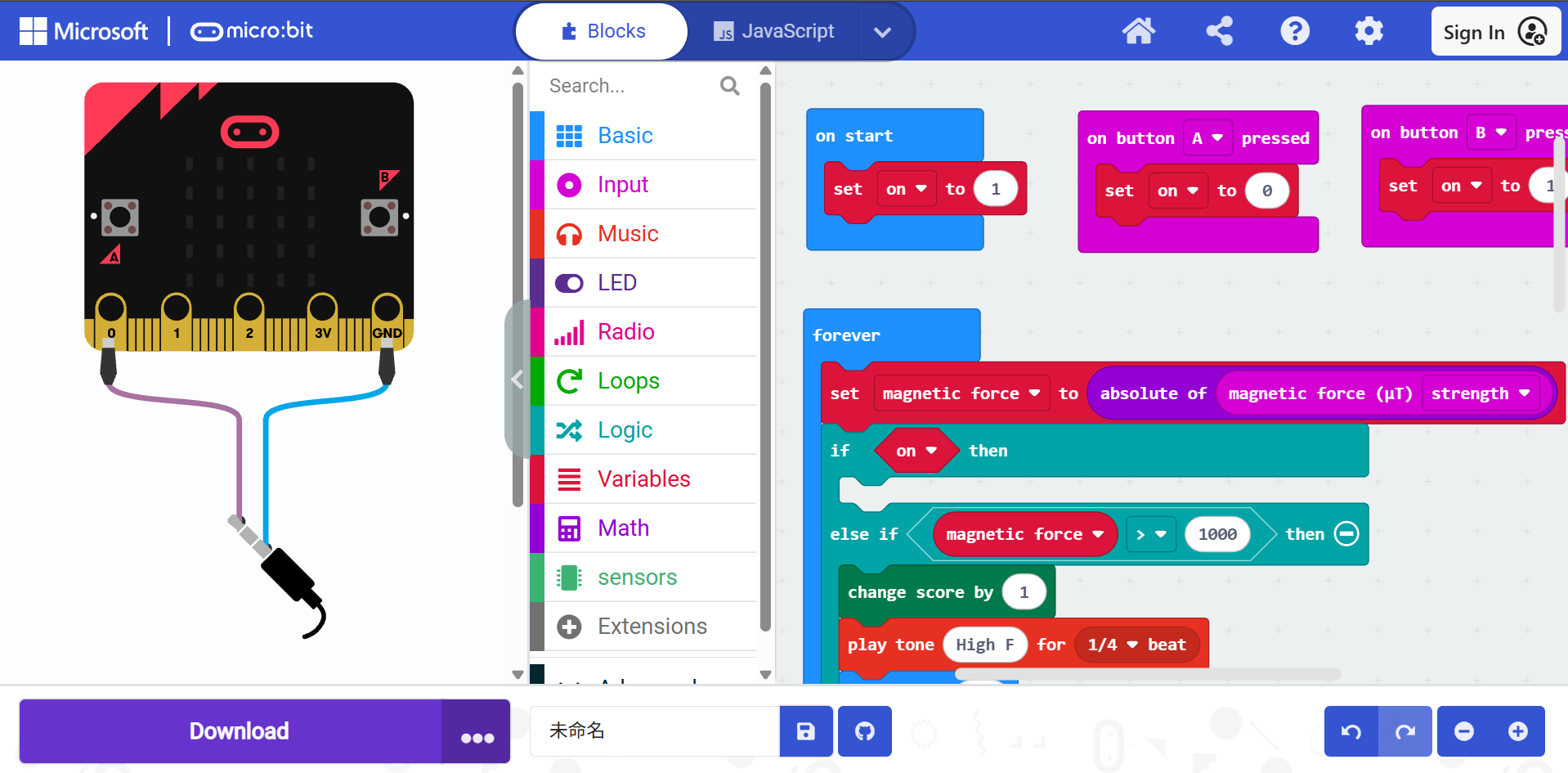
Because the micro:bit MakeCodeplatform is continuously updated, its interface and features may change over time. We recommend using the latest version of MakeCode for the most up-to-date user experience and functionality.
We apologize for any inconvenience this may cause and sincerely appreciate your understanding and continued support.
Gigo Team